
Adobe Acrobat Setup and Sign in
Setup Adobe Acrobat
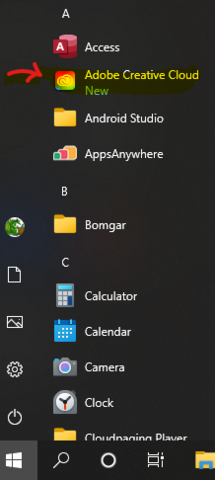
To start with we have to run Adobe Creative Cloud. On Engineering computers, if you do not see this in your Start Menu, please contact the help desk.
|
|
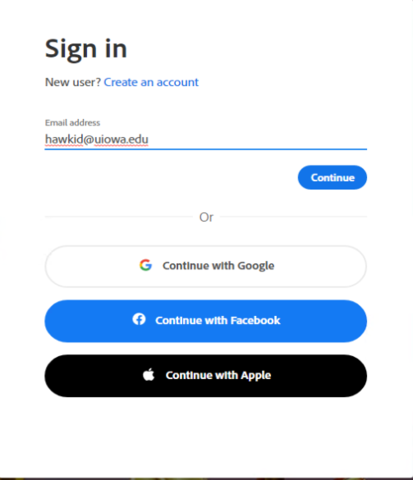
You will then need to sign in with your HawkID@uiowa.edu
|
|
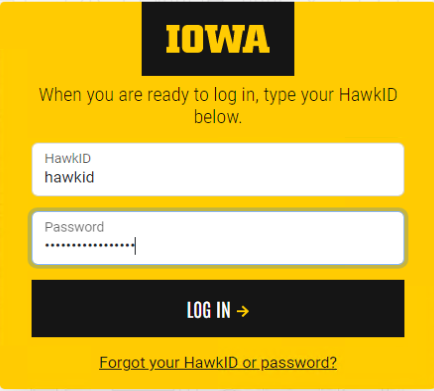
This then sends you to the secured University of Iowa login. Here enter your HawkID and password.
|
|
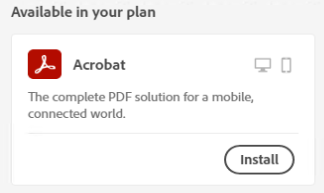
Find Acrobat under "Available in your plan" Click on Install.
|
|
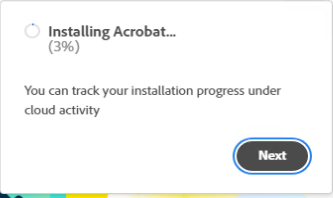
Wait for the software to install.
|
|
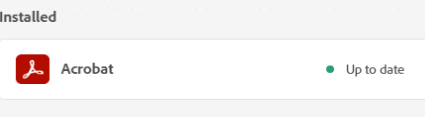
The software will install and you will see this upon completion.
|
|
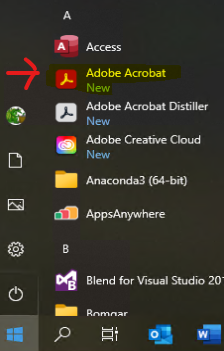
The go ahead and launch Adobe Acrobat from the start menu and sign in as below.
|
|
Sign in to Adobe Acrobat
|
Launch Adobe Acrobat from the start menu
|
|
|
Sign in with your HawkID@uiowa.edu
|
|
|
This then sends you to the secured University of Iowa login. Here enter your HawkID and password.
|
|